


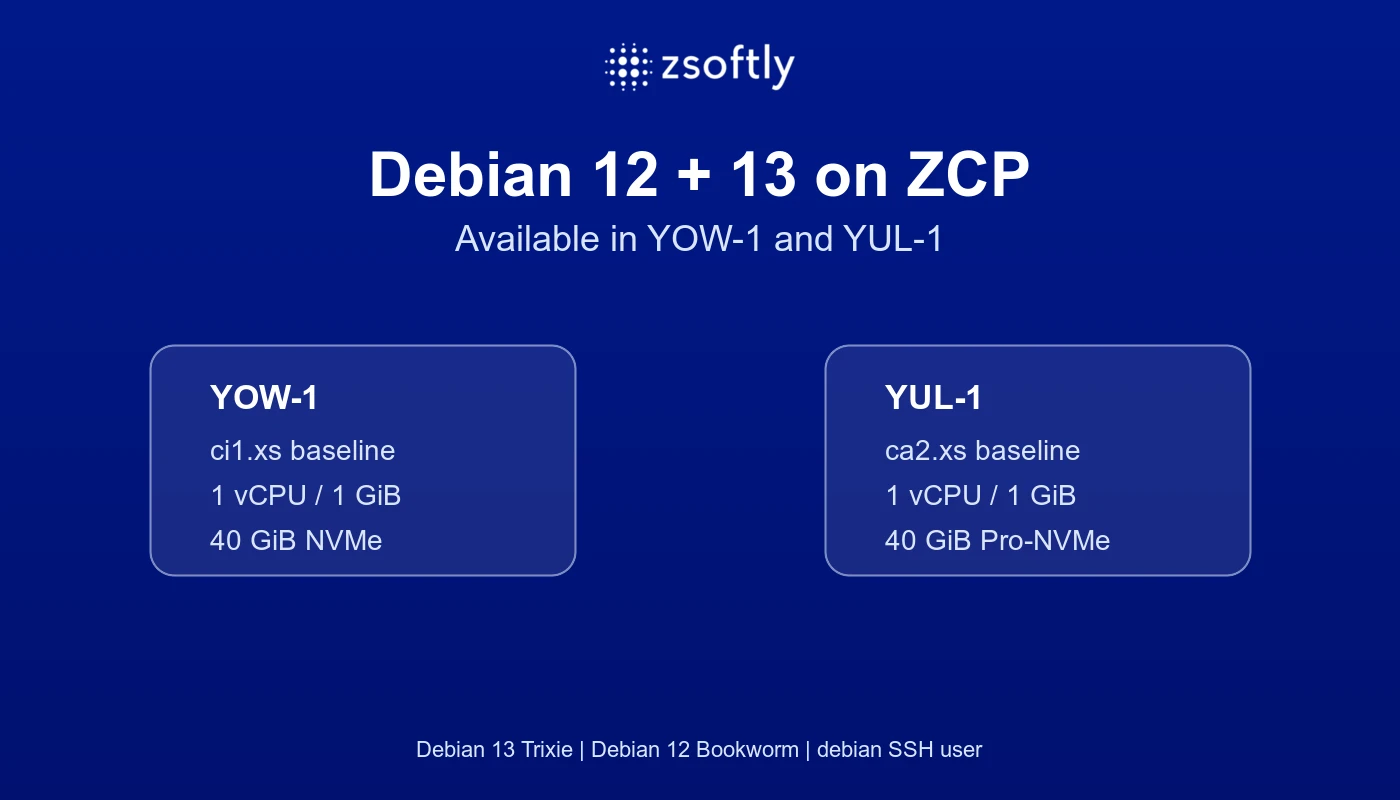
Teams standardizing on Debian now have public ZCP images in YOW-1 and YUL-1. This gives platform owners a known base in either region, reduces custom image work, and keeps the operating system choice aligned with existing Debian packages, automation, and compliance practices.
Debian 12 (Bookworm) and Debian 13 (Trixie) are both available. Both images use debian as the
default SSH user and are configured across the general-purpose, CPU-optimized, and memory-optimized
VM families.
The business decision is regional choice plus workload fit. The portal is the final availability check, and the developer-facing Debian documentation covers the exact image names, sizing baseline, and operational checks.
What this means for your team
The difference matters at the point where you automate infrastructure.
- A Debian-dependent Terraform, CLI, or runbook workflow should pin the image release and region rather than relying on a generic template label.
- Package names, default services, cloud-init behavior, hardening steps, and operational runbooks still need testing for the selected Debian release.
- Existing Debian automation, golden images, and compliance baselines should be validated against the image deployed in each region.
- A marketplace application image is a different decision from a base OS image. Confirm its documented operating system and setup path separately.
Before committing to a rollout, read the current ZCP operating system documentation and verify the image options in the portal used by your deployment path.
When another supported image is the right choice
The live documentation also lists these alternatives:
- Ubuntu
- Rocky Linux
- AlmaLinux
- Oracle Linux
Choose an alternative when it matches your tested packages, automation, security baseline, and application vendor guidance better than Debian. Confirm the exact version, architecture, and region in the live documentation and portal before standardizing on it.
When Debian is the right decision
Use Debian when:
- your application and packages are tested on Debian 12 or Debian 13
- your team has tested cloud-init, configuration management, monitoring, and recovery
- the portal exposes the required Debian version in the target region
- your security baseline and operational ownership are defined
For many workloads, the operating system is an implementation detail. If the application, data, and operational controls are portable, choosing a visible and tested image usually reduces delivery risk.
Sizing is workload-specific
The smallest configured general-purpose plans provide a practical starting point for a basic Debian VM:
- YOW-1:
ci1.xs, 1 vCPU, 1 GiB RAM, 40 GiB NVMe root storage - YUL-1:
ca2.xs, 1 vCPU, 1 GiB RAM, 40 GiB Pro-NVMe root storage
The 40 GiB value comes from the current ci1.xs and ca2.xs plan definitions. It is the root-disk
baseline for those entry plans, not a Debian OS requirement. It leaves room for the base image,
package metadata, cloud-init work, logs, and normal system updates. Increase CPU, memory, and storage
for application packages, databases, monitoring agents, backups, and concurrency. Confirm current plan availability and pricing in the ZCP pricing page
before deployment.
For implementation details, developers should follow the ZCP Debian documentation.
Debian references
When to consider custom or private infrastructure
Debian may be the right choice when it is tied to a verified technical or organizational constraint, such as a Debian-specific package lifecycle, a kernel or module dependency, a regulated build standard, or a golden image process shared across environments.
Use a custom ISO or private infrastructure only when the public Debian images do not meet the workload requirement. Confirm image provenance, architecture, access method, storage, backups, monitoring, and operational responsibilities before treating the option as a project dependency.
If the requirement extends beyond one public-cloud image, include a ZSoftly private cloud build-out in that scoping conversation. Private infrastructure is worth evaluating when you need control over the image pipeline, hardware placement, network model, or the full operating baseline. It still requires workload-specific confirmation.
A practical decision sequence
- Select YOW-1 or YUL-1 and confirm Debian 12 or Debian 13 is visible in the portal.
- Choose a plan based on the workload, starting with the regional general-purpose baseline when appropriate.
- Pin the image release and region in infrastructure code.
- Apply SSH, firewall, patching, backup, monitoring, and disk-alert controls before production use.
- Load-test the application and resize the VM when the workload requires more resources.
The important distinction is between an image being listed and an image being ready for your workload. Verify the release and region in the portal, record both in infrastructure code, and keep a tested alternative for business continuity.